Creating a CSV file to upload patients data for bulk messaging.
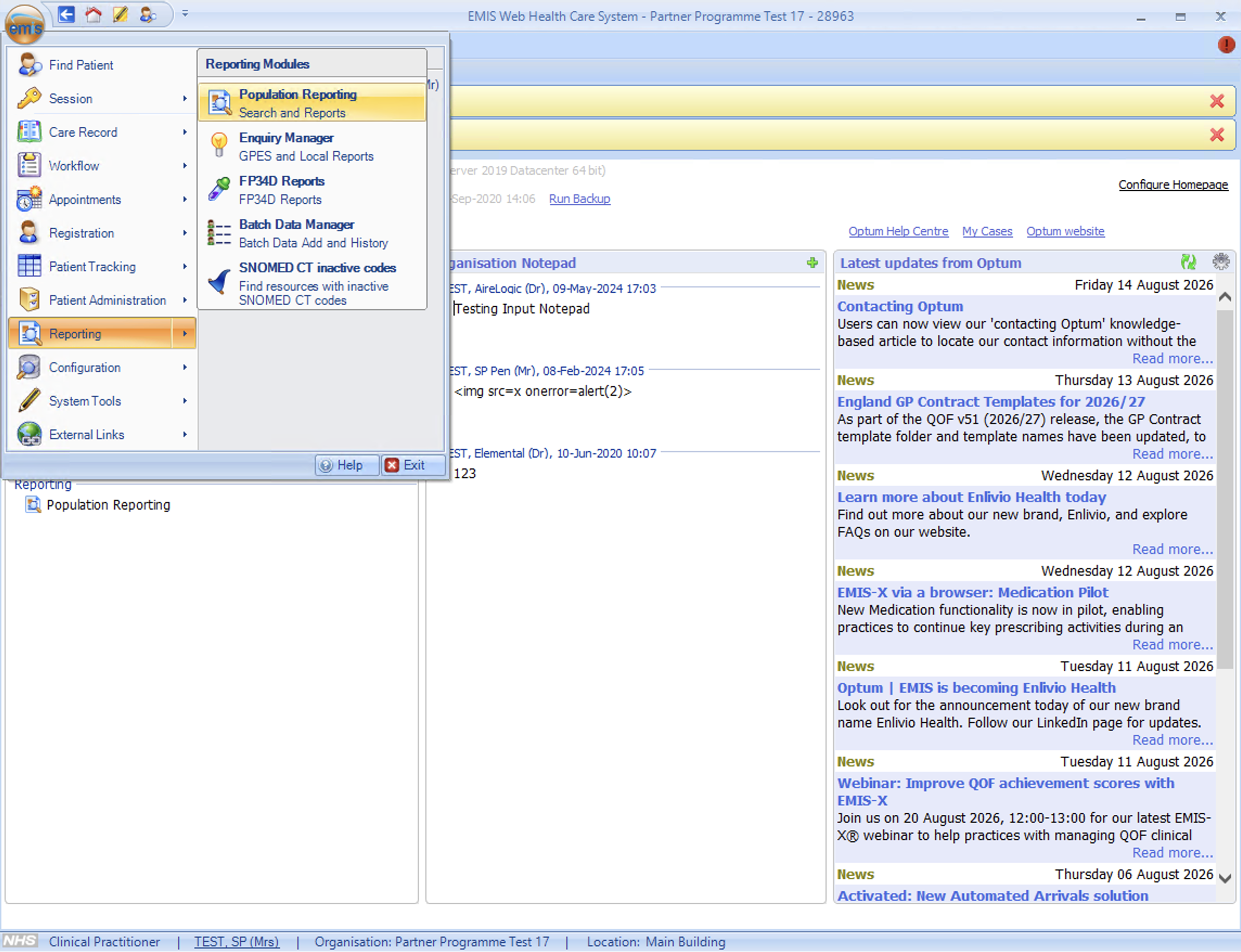
Click EMIS. Select Reporting then Population Reporting
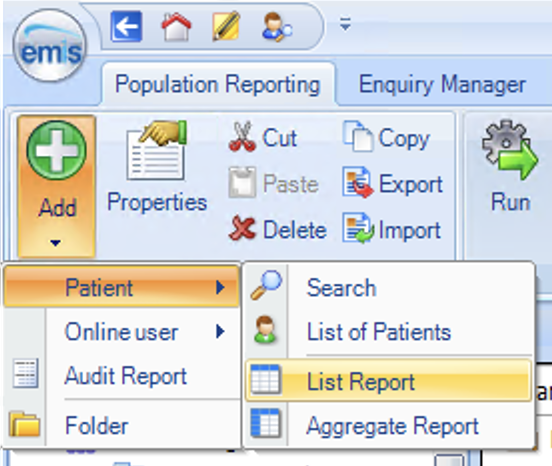
Click on Add, Select Patient, and select List report
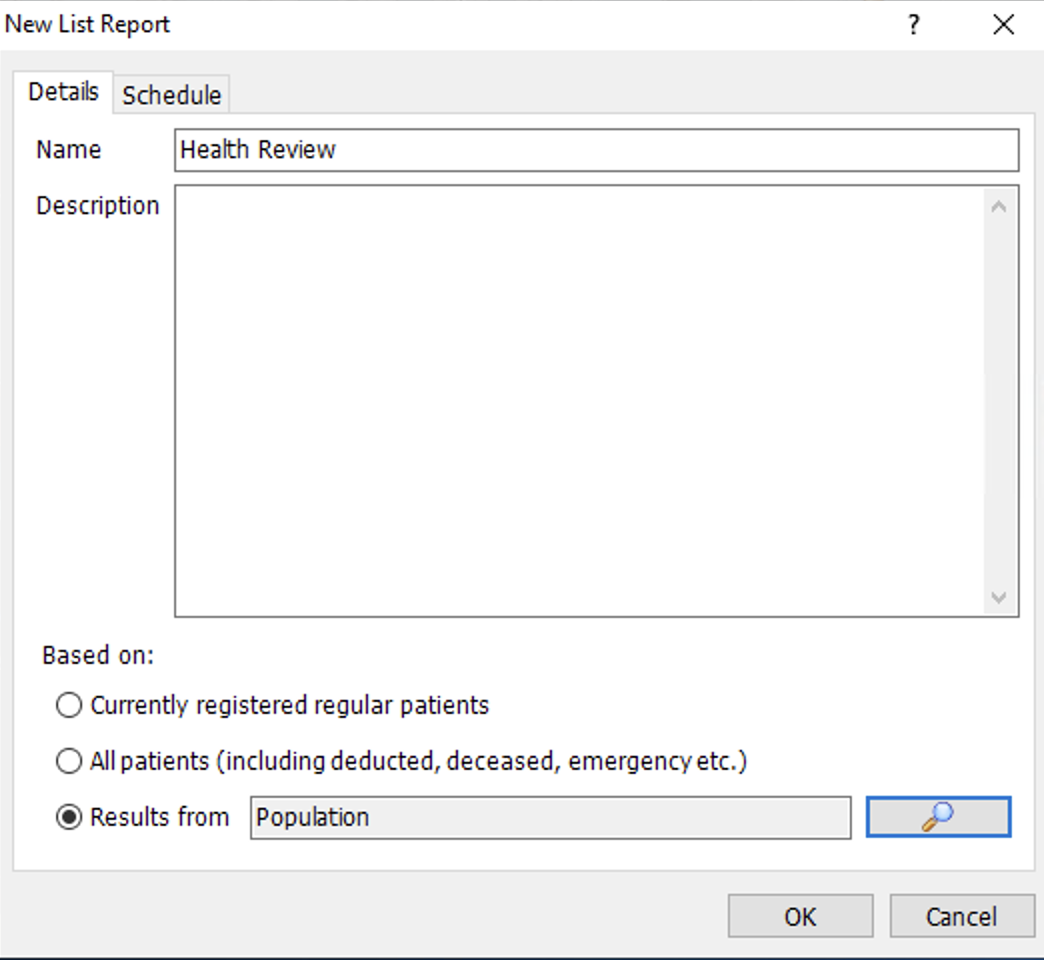
Name your report, and select your patient search in the Results from box
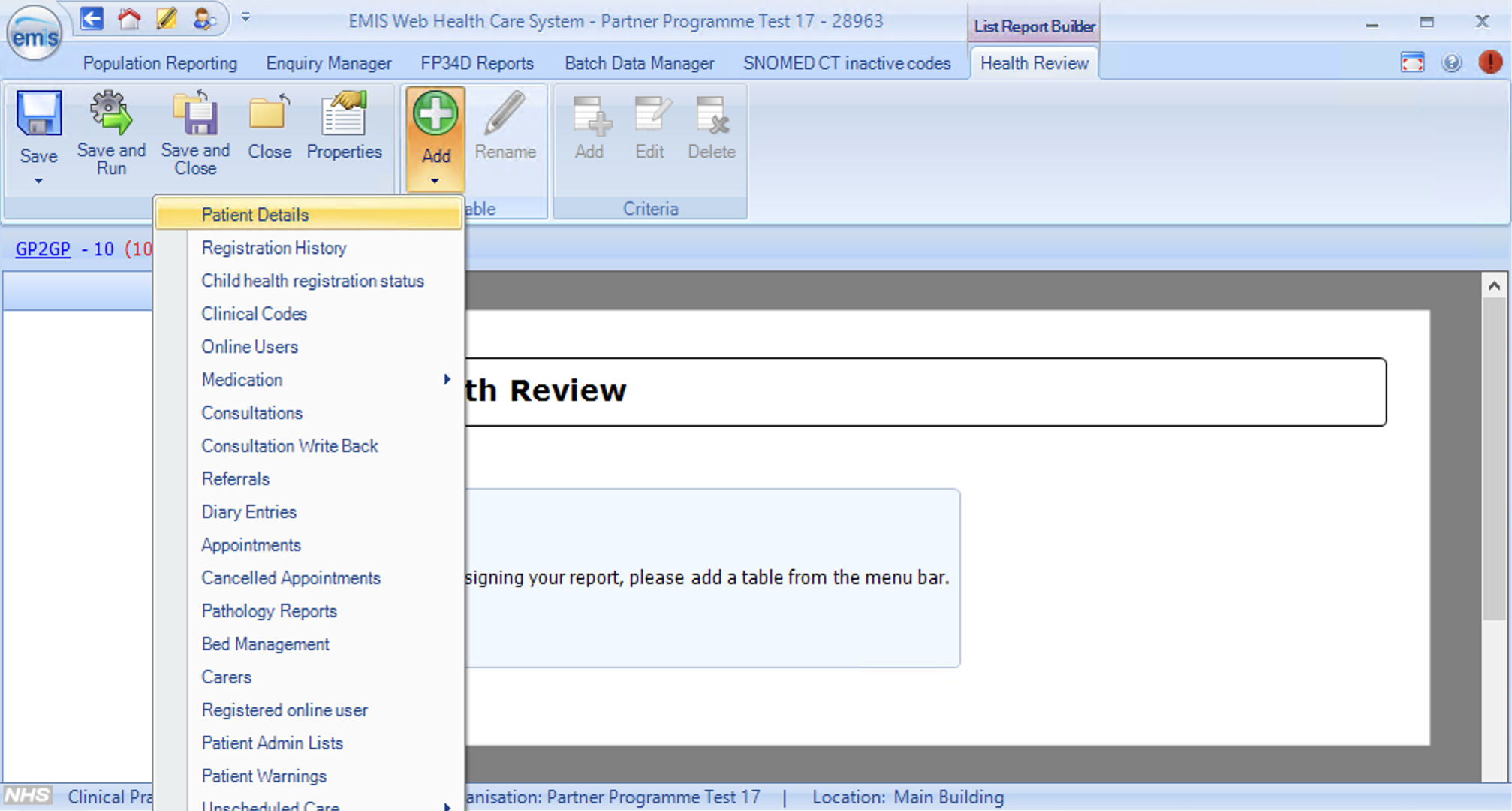
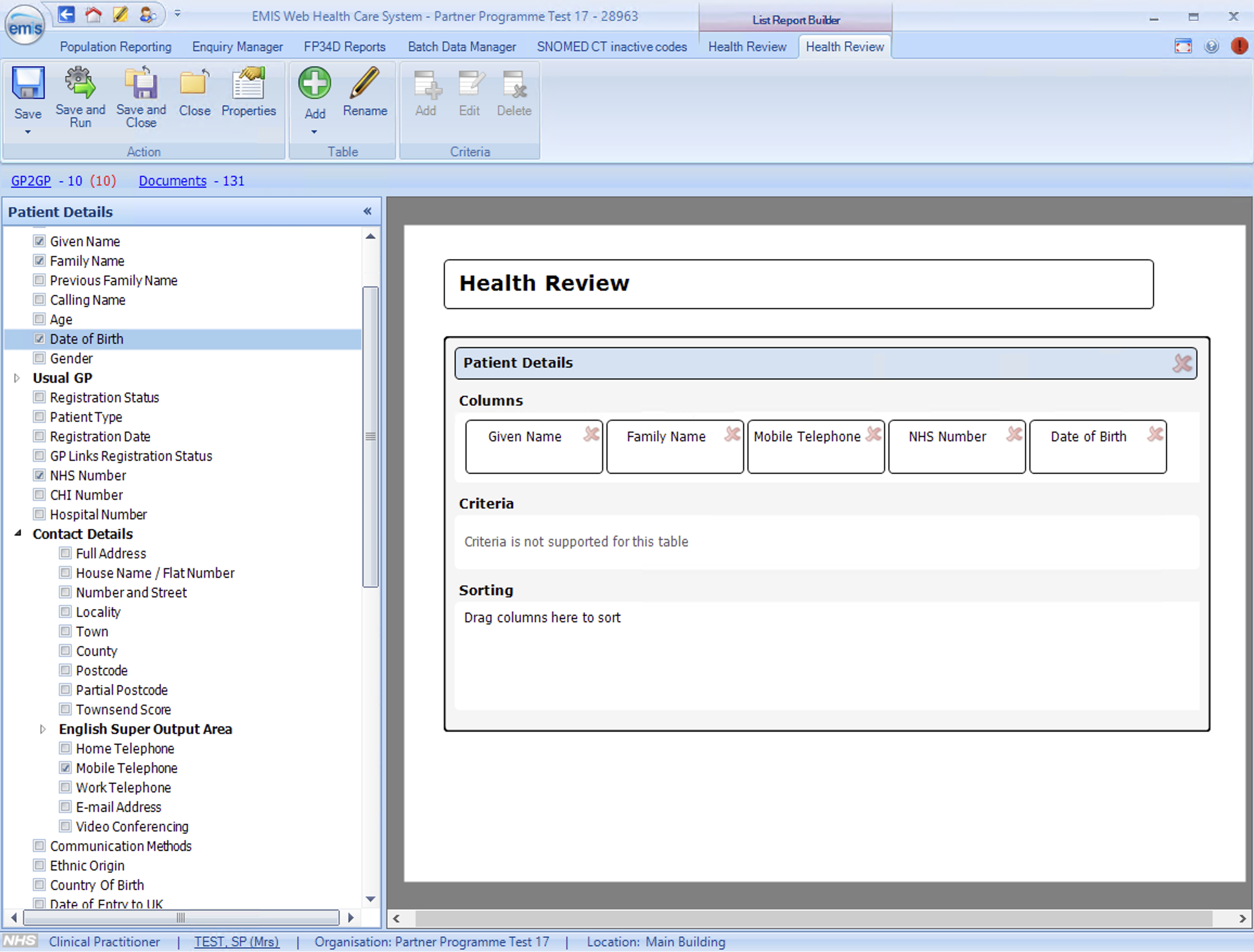
Select Add and choose Patient Details
Select columns you need as per the template such as prefix, first name, last name, email, mobile, NHS number, DOB. Please refer to the template on the campaign creation page to find out which columns you need to make sure the selected column list is up to date.
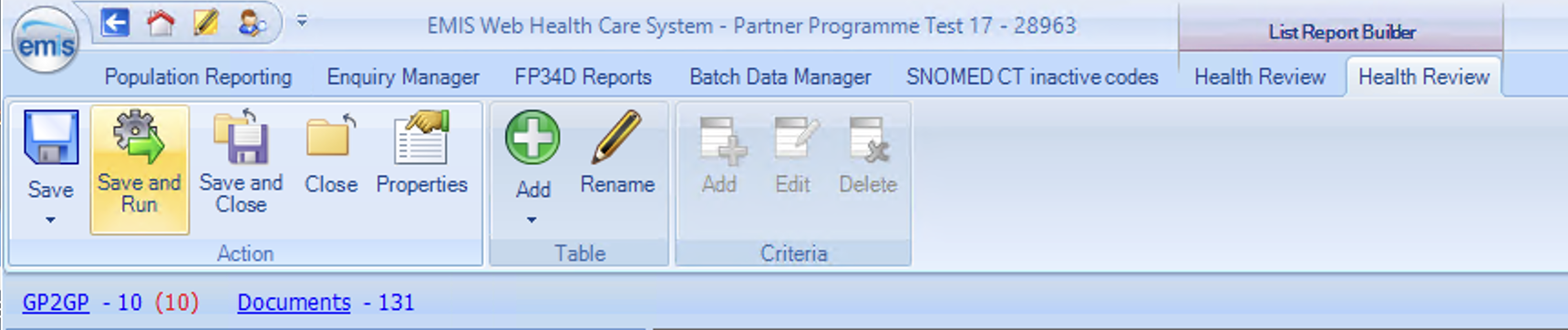
Select Save and Run in the top toolbar
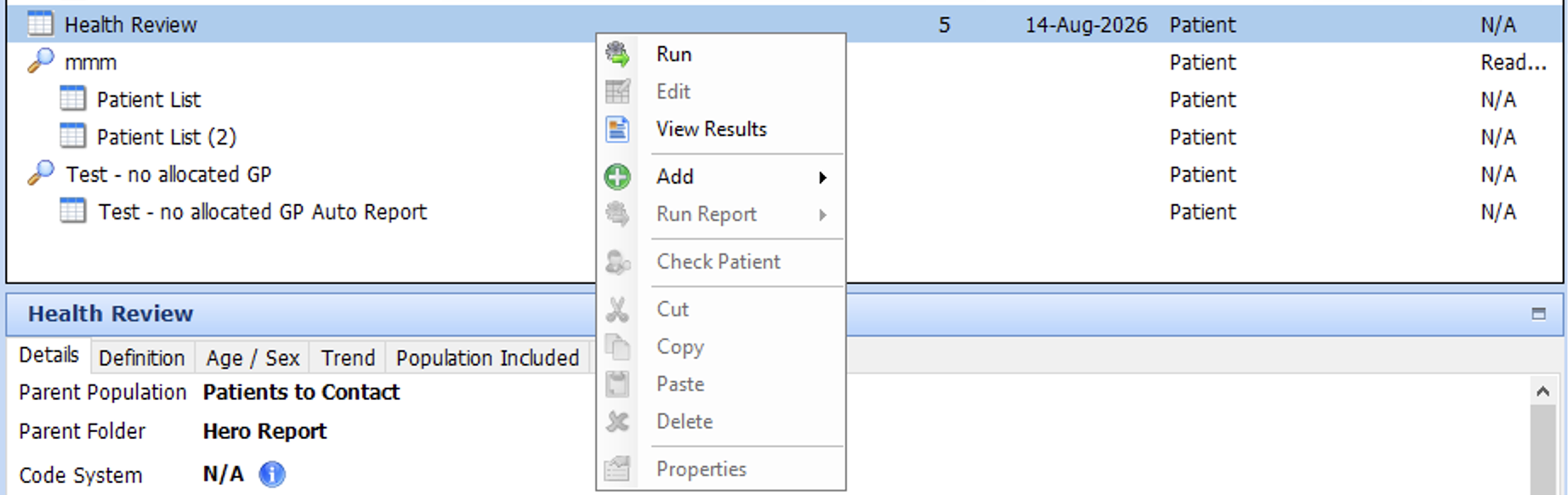
Right click on the report and select View Results
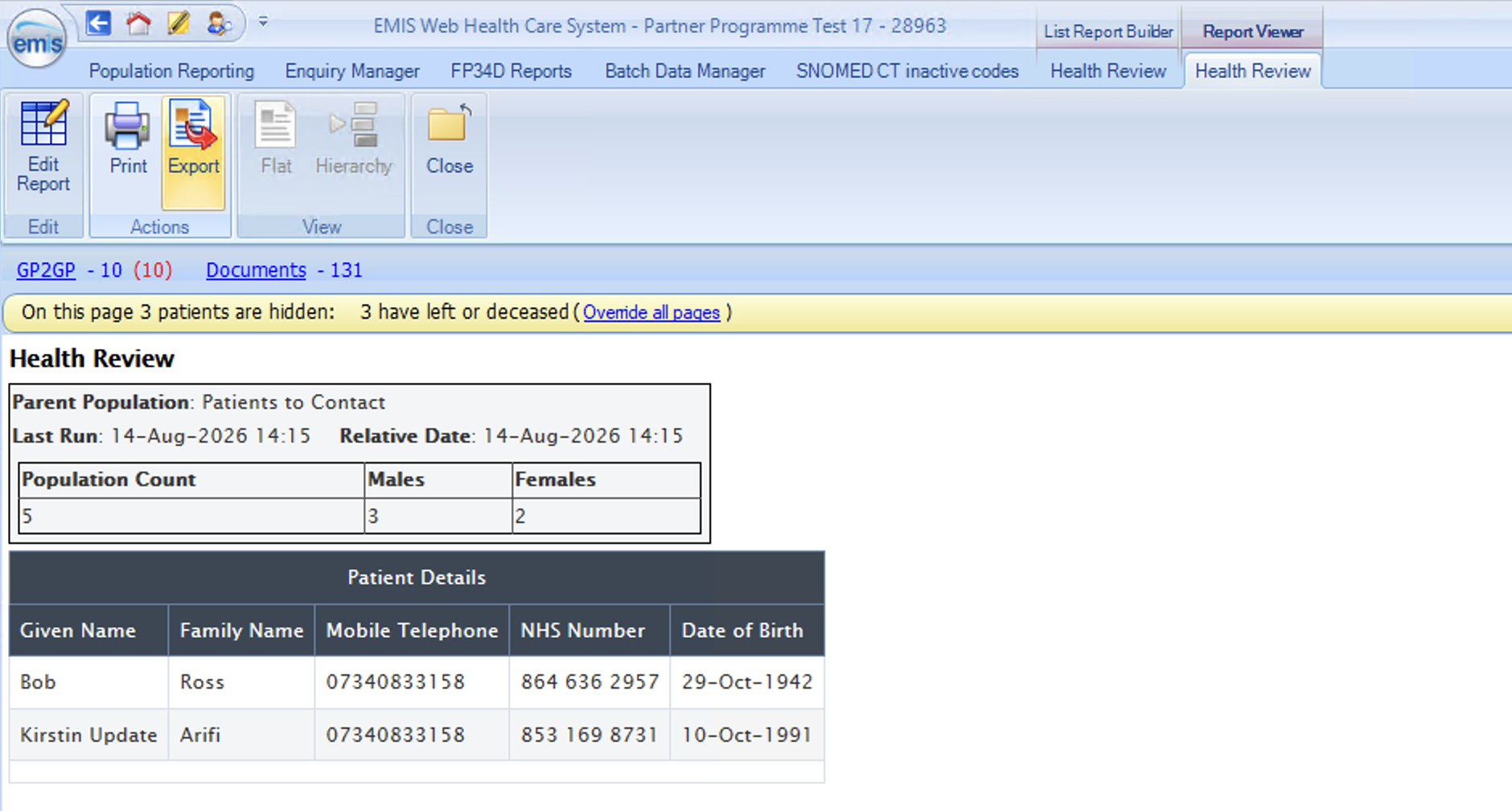
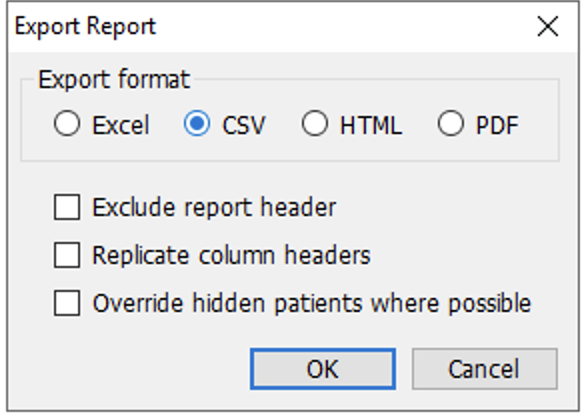
Select Export in the top toolbar
Select CSV and OK. Then select where you want to save your CSV